Discover our Johor Bahru outlets at Kota Puteri No.13 Jalan Kota 3/1, Plaza Pelangi Level 3 Lot 3.06, and Paradigm Mall Level 4 (4F-76).
product-view
product-view
product-view
product-view

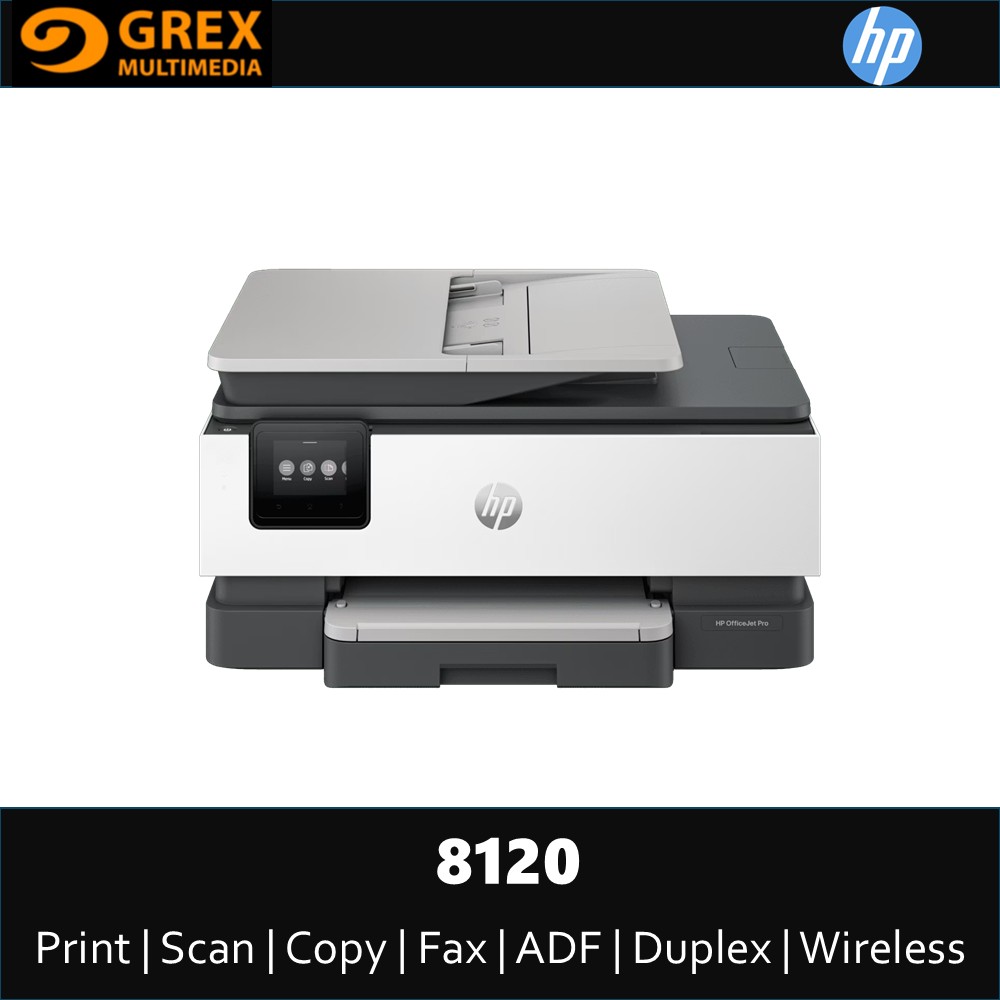
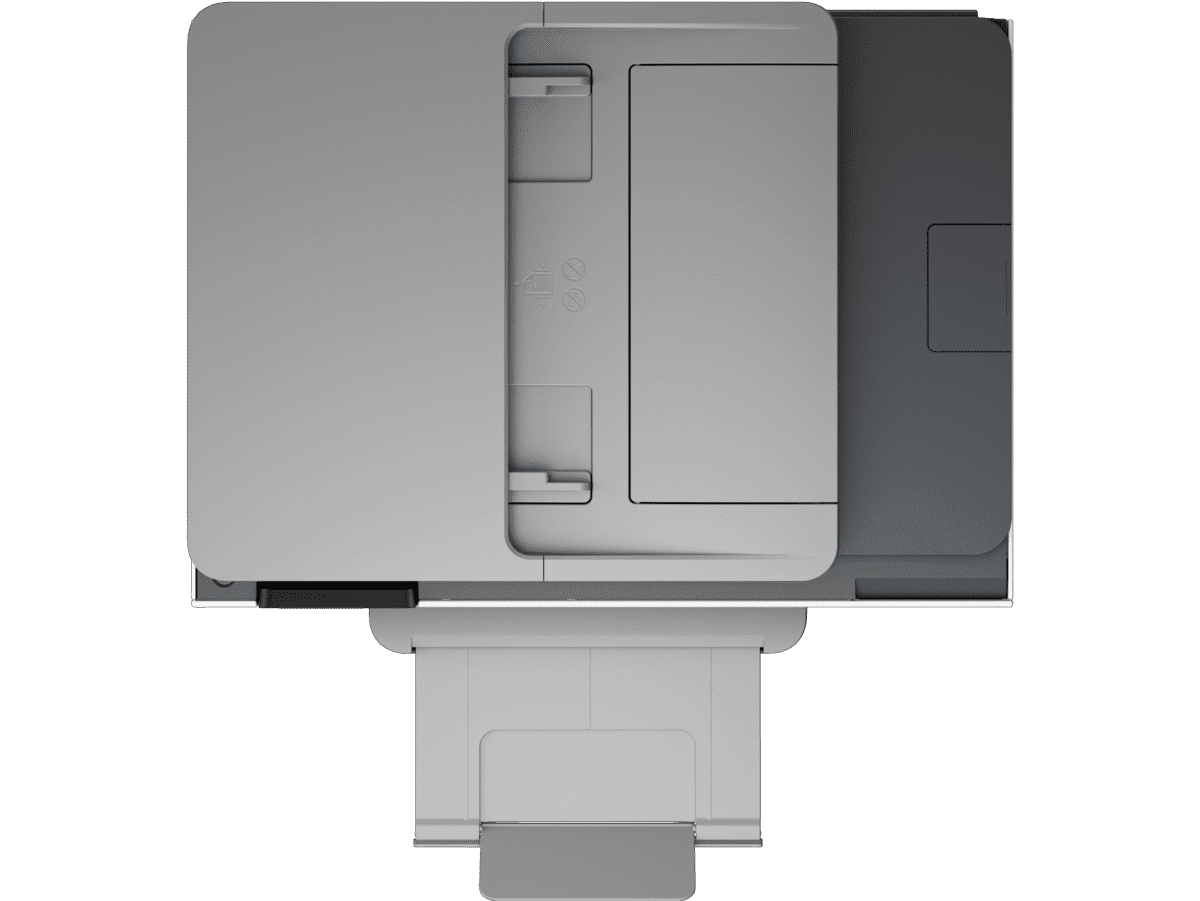
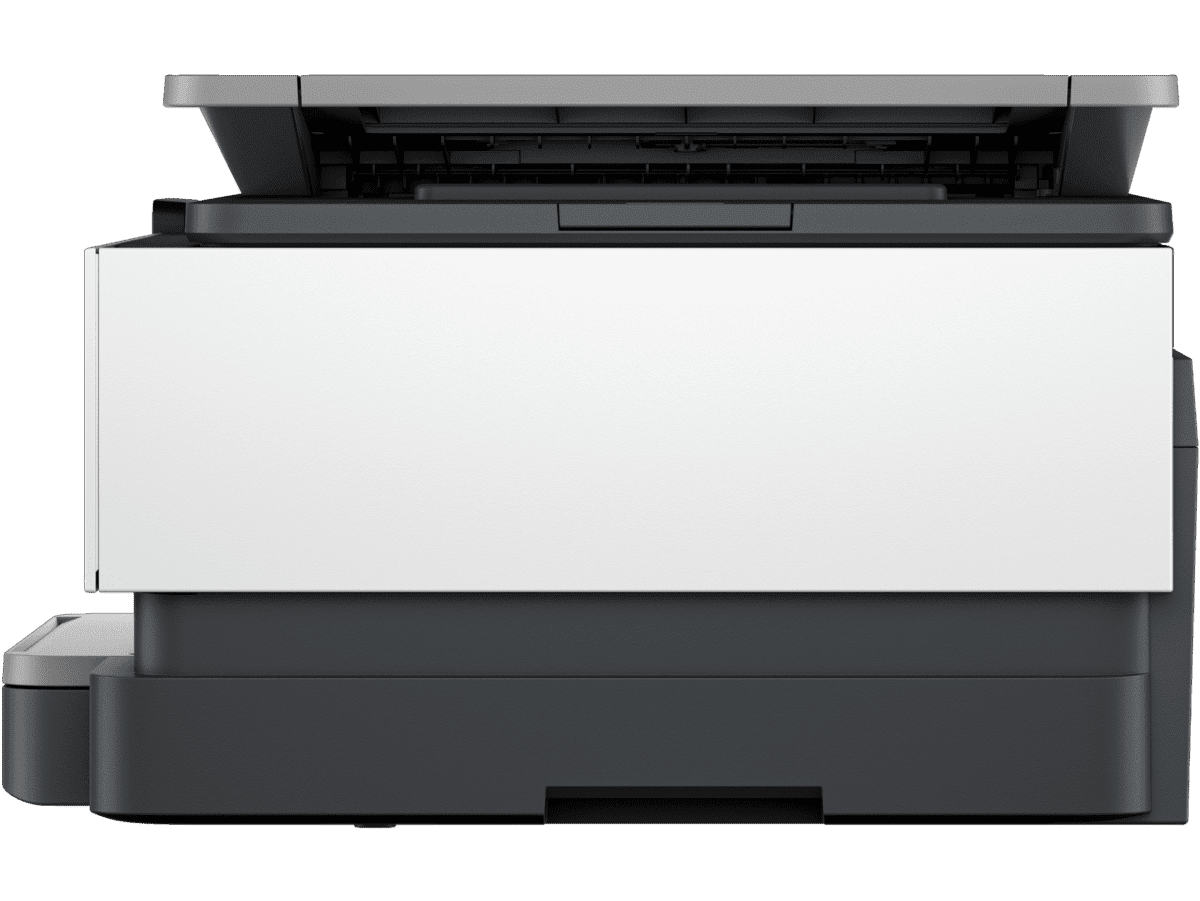
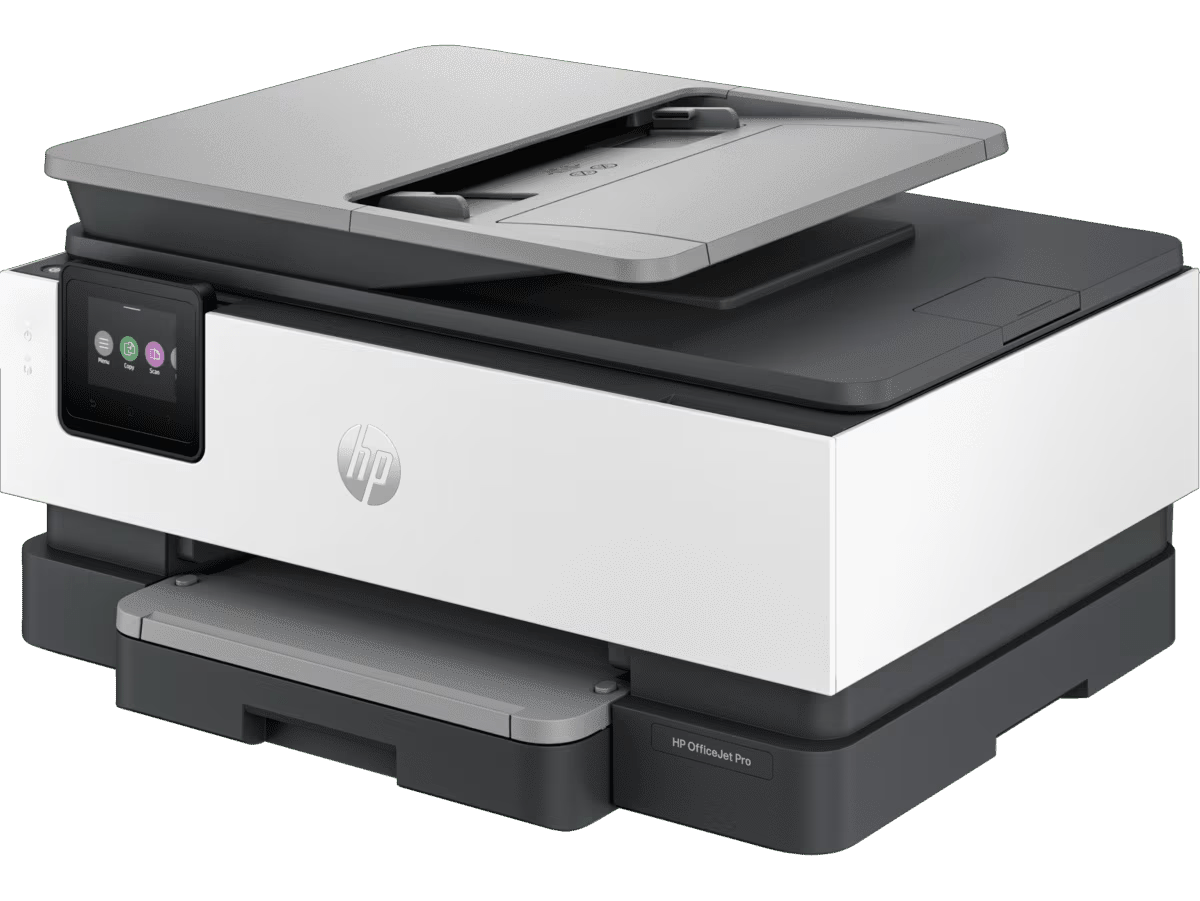
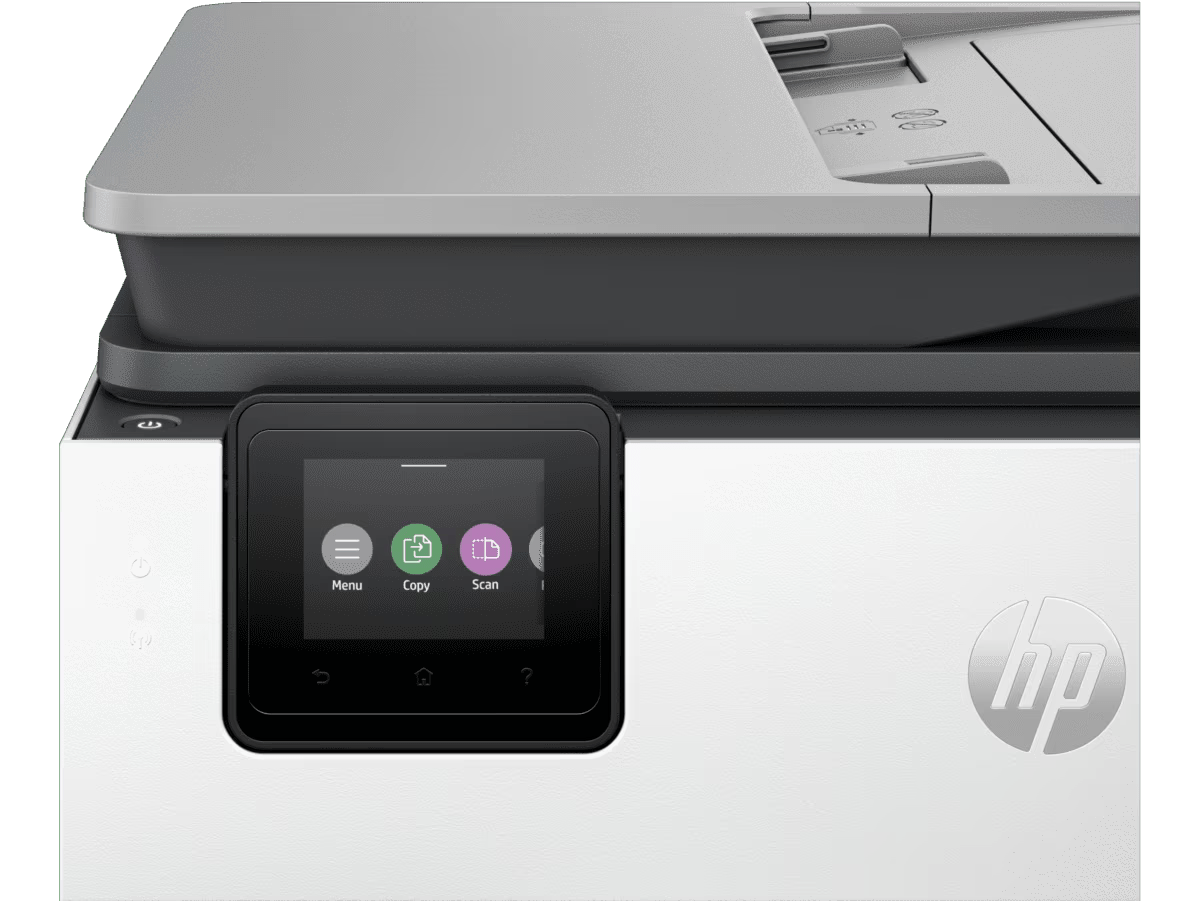
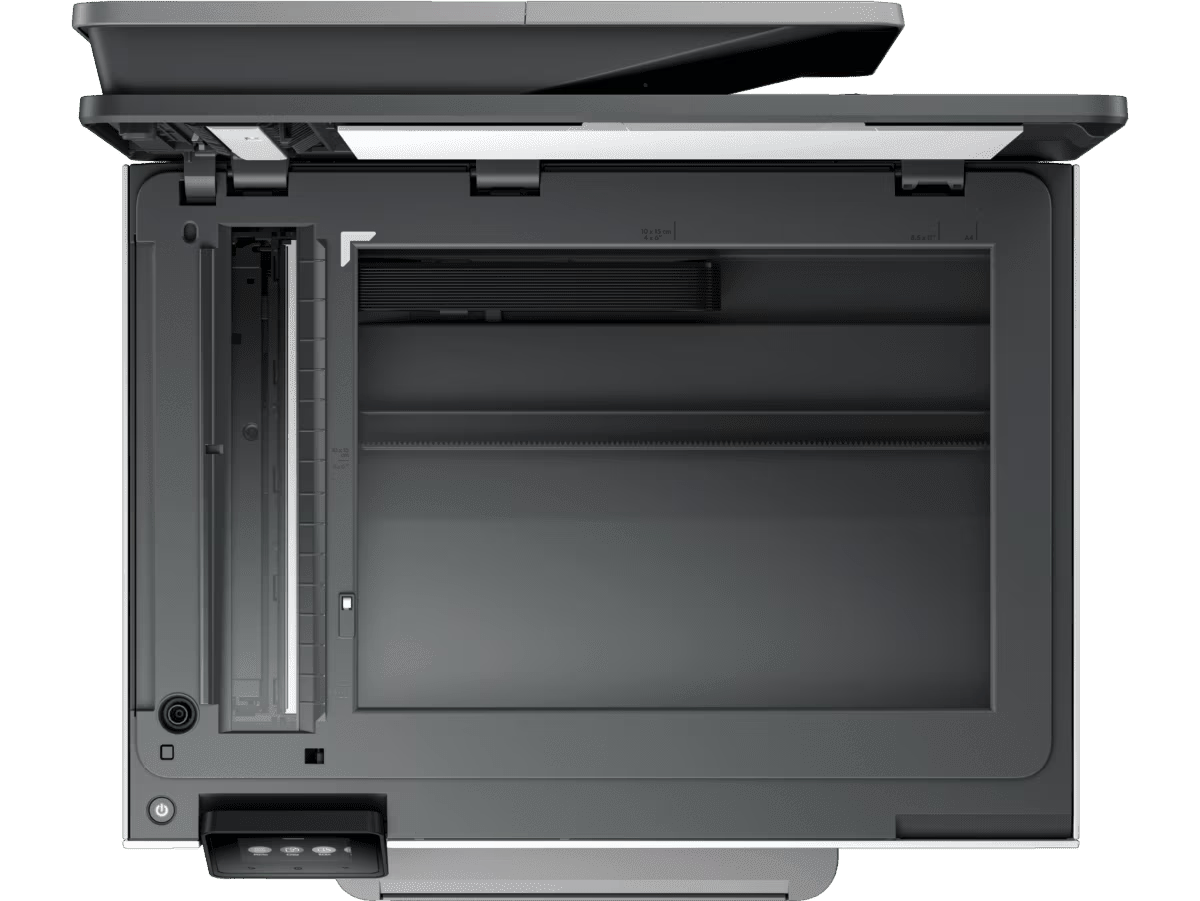
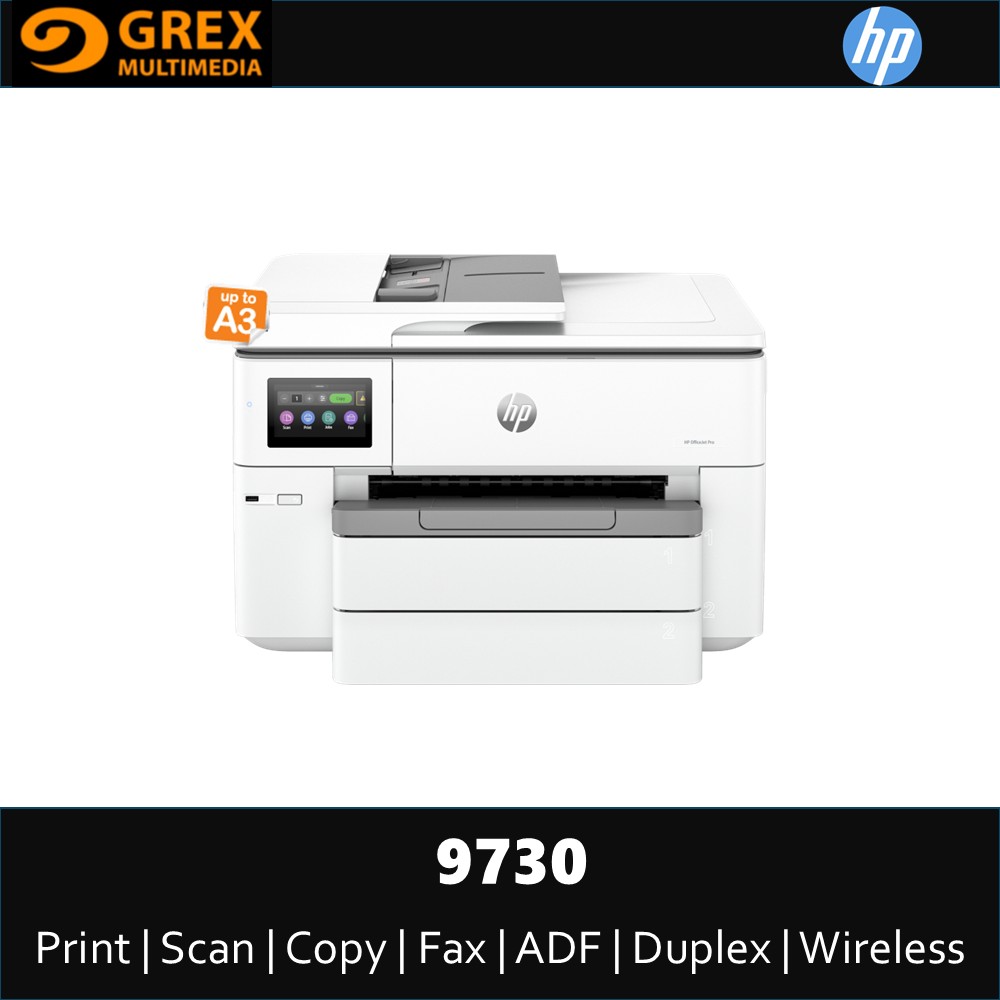
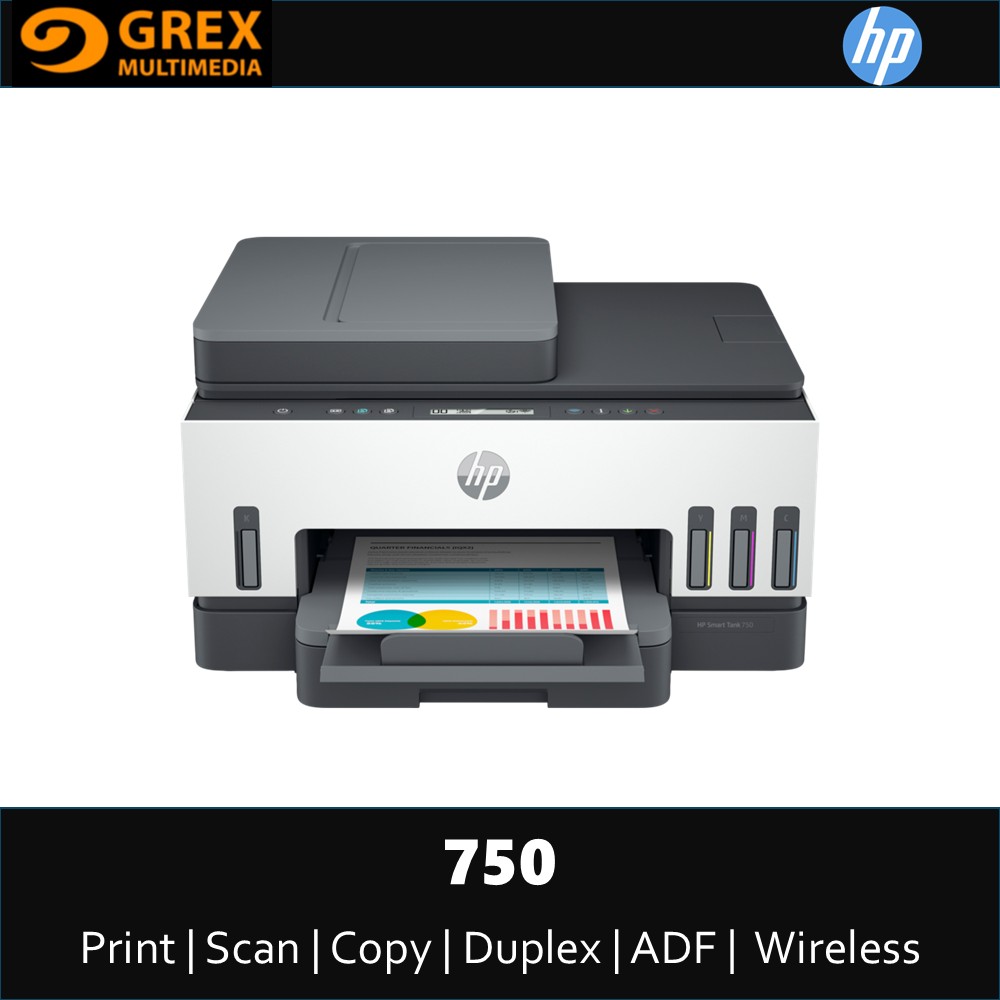
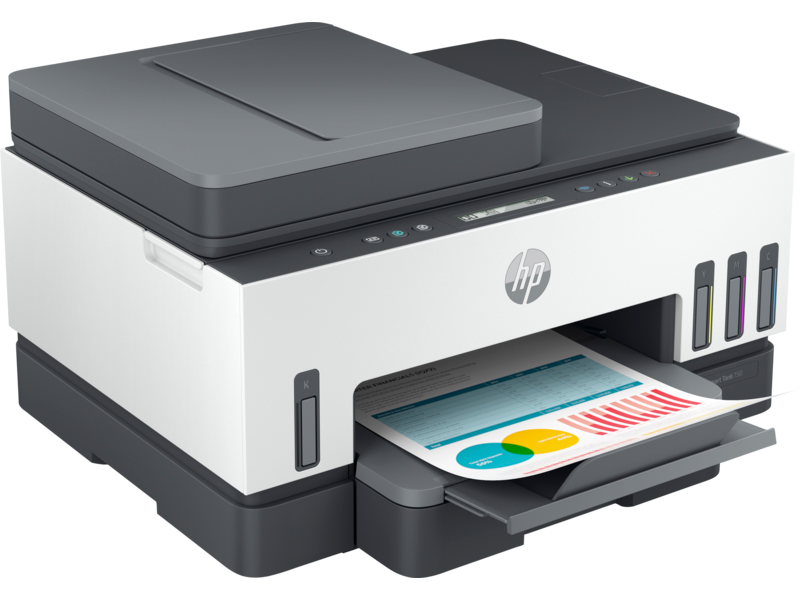
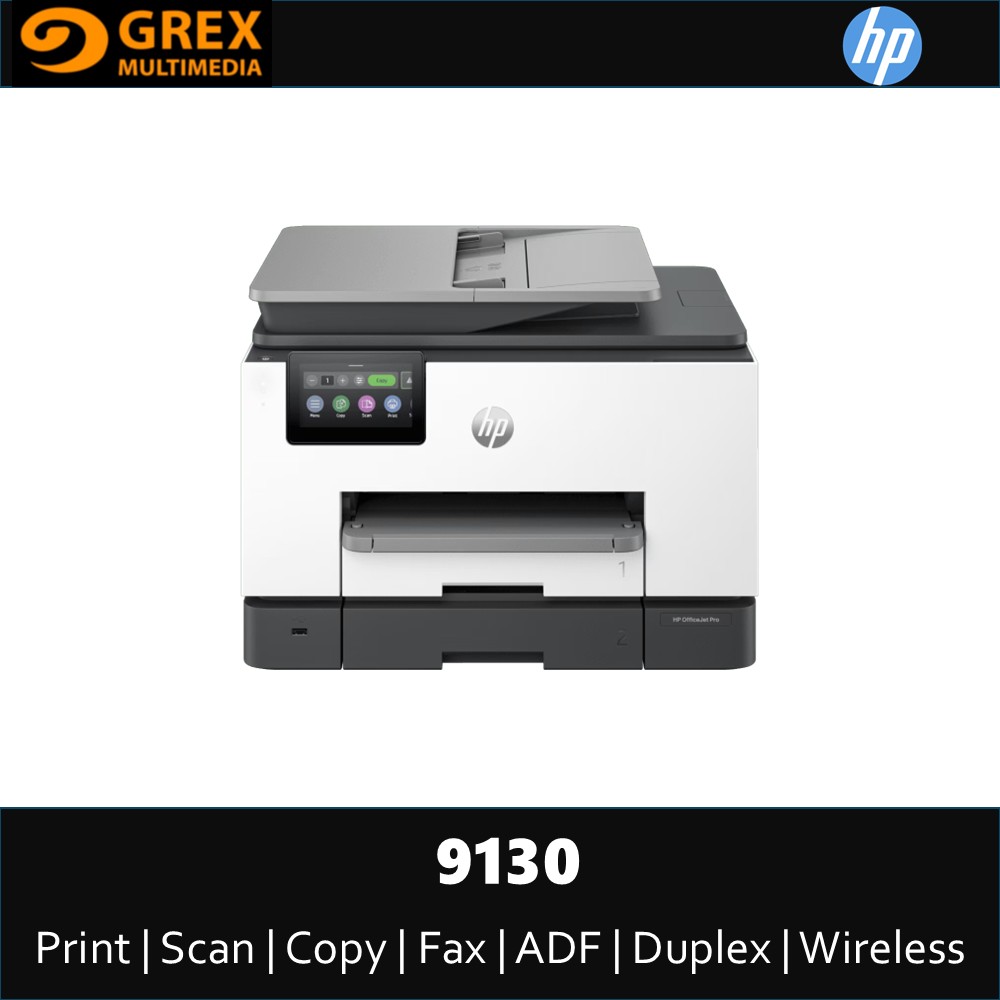
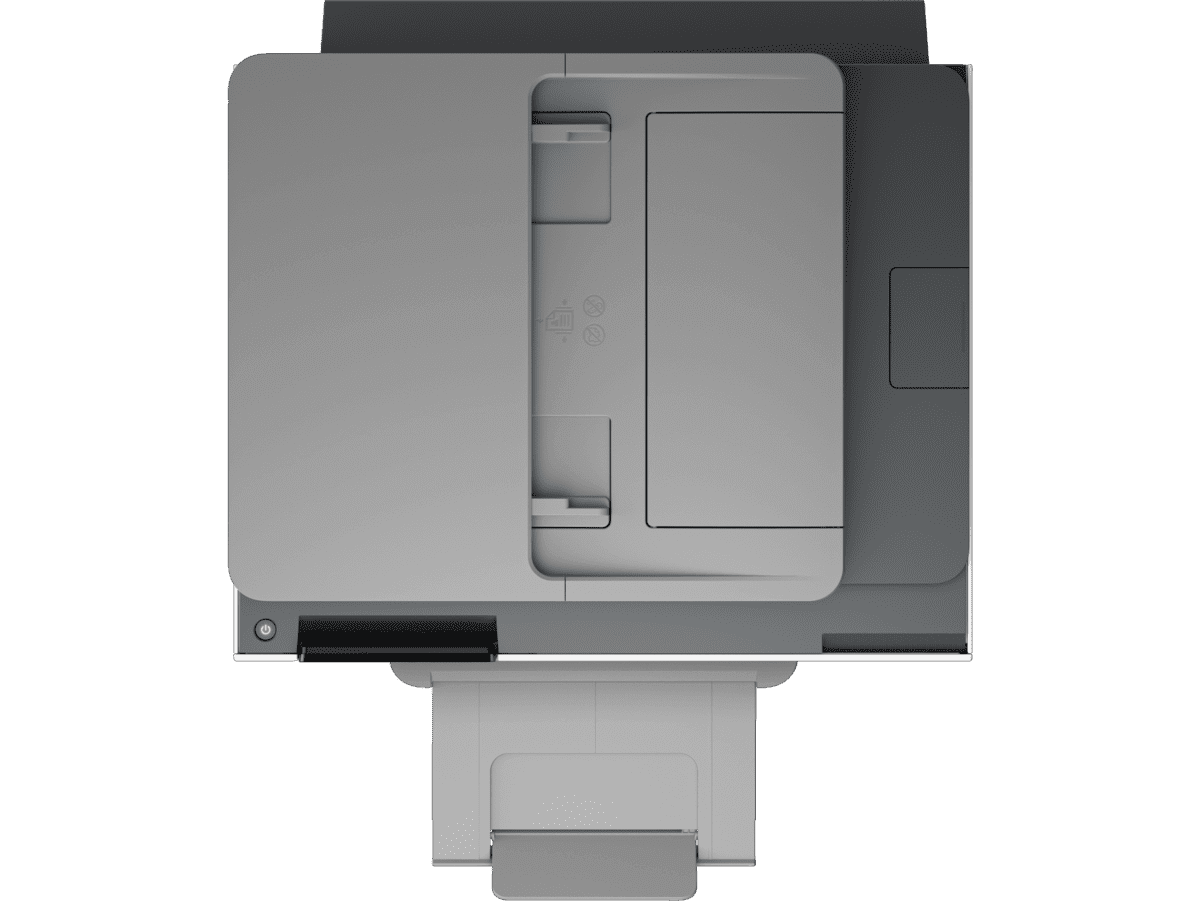
HP OFFICEJET PRO 8120 TOUCHSCREEN AIO PRINTER (PRINT,SCAN,COPY, FAX, ADF & DUPLEX)

MYR789.00

Brand: HP

  • Share

Get shipping estimates

Country
State
Shipping Method

Title

HP OfficeJet Pro 8120 All-in-One Printer - (405W3C)

Sku

405W3C

? 

Product types

Inkjet printers

? 

Series

OfficeJet

Features
? 

Functions

Print scan and copy

Printer Specifications
? 

Functions

Print scan and copy

Duty cycle (monthly, letter)

Up to 20,000 pages

Duty cycle note

Duty cycle is defined as the maximum number of pages per month of imaged output. This value provides a comparison of product robustness in relation to other HP Color InkJet devices.

Duty cycle (monthly, A4)

Up to 20,000 pages

Recommended monthly page volume

Up to 800 pages

Target user and print volume

For teams up to 5 users; Prints up to 800 pages/month

Paper trays, standard

1

Paper trays, maximum

1

Print colours

Yes

Top key features

Touchscreen; Quiet mode; Print over VPN with HP+; Wireless

? 

Print technology

HP Thermal Inkjet

Envelope feeder

No

Duplex printing

Automatic (standard)

Multitasking supported

Yes

Automatic paper sensor

No

Print Speed

Print speed black (draft, A4)

Up to 29 ppm

Print speed

Print speed up to 20 ppm (black) and 10 ppm (color)

Connectivity And Communications

Mobile printing capability

Chrome OS; HP Smart app; Apple AirPrint™; Wi-Fi® Direct Printing; Mopria™ Certified

Wireless capability

Yes, with built-in dual-band Wi-Fi 802.11 a/b/g/n/ac and a self-heal solution

Network capabilities

Yes, via built-in Ethernet; Wireless 802.11 a/b/g/n/ac

? 

Connectivity, standard

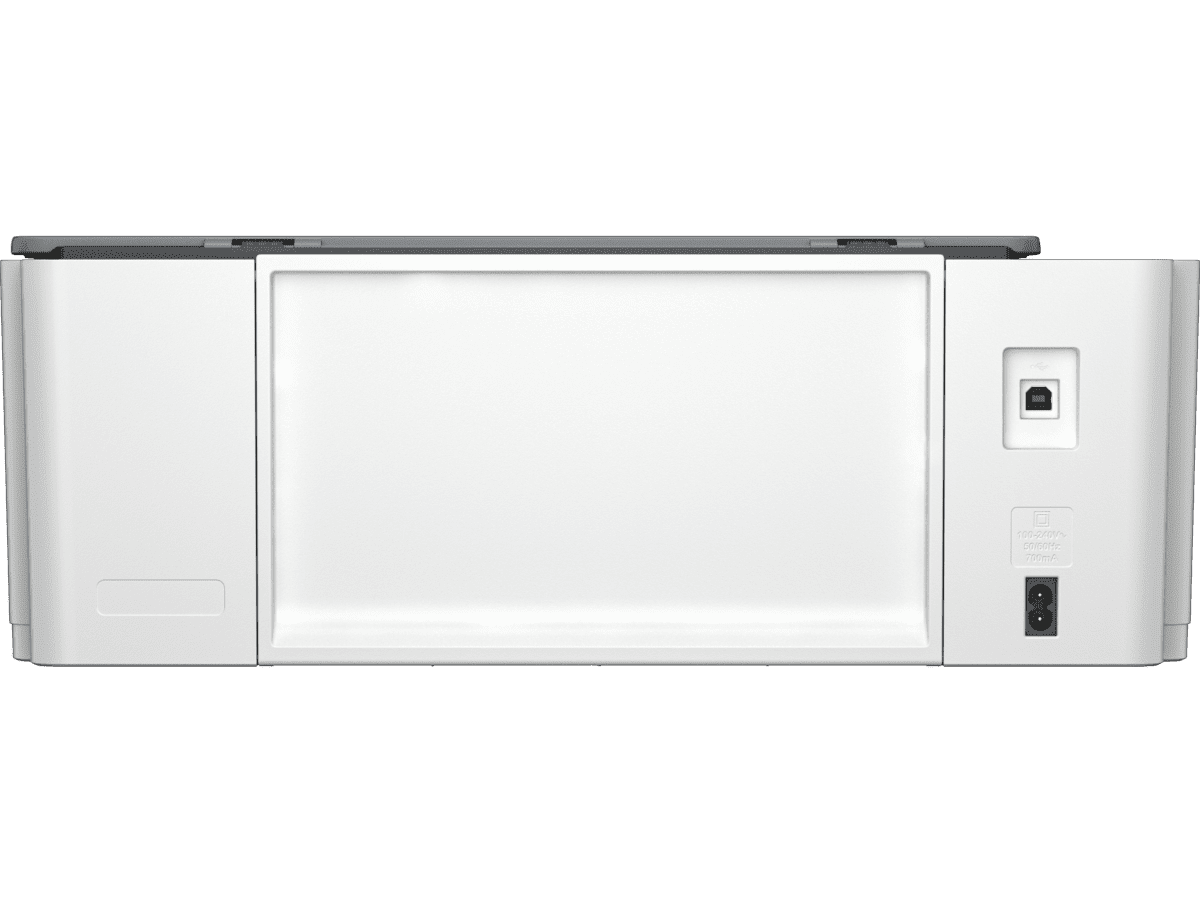
1 Ethernet; 1 Hi-Speed USB 2.0 (device); 1 Wi-Fi 802.11 a/b/g/n/ac (dual band)

Cartridges And Printheads

Number of print cartridges

4 (1 each black, cyan, magenta, yellow)

Replacement cartridges

HP 925 Black Original Ink Cartridge (~500 pages) 4K0V9PA; HP 925 Cyan Original Ink Cartridge (~400 pages) 4K0V6PA; HP 925 Magenta Original Ink Cartridge (~400 pages) 4K0V7PA; HP 925 Yellow Original Ink Cartridge (~400 pages) 4K0V8PA; HP EvoMore planned to be available April 2024: HP 925e EvoMore Black Original Ink Cartridge (~1,000 pages) 4K0W3PA; HP 925e EvoMore Cyan Original Ink Cartridge (~800 pages) 4K0W0PA; HP 925e EvoMore Magenta Original Ink Cartridge (~800 pages) 4K0W1PA; HP 925e EvoMore Yellow Original Ink Cartridge (~800 pages) 4K0W2PA Actual yield varies considerably based on content of printed pages and other factors. For details, see https://www.hp.com/go/learnaboutsupplies

Number of print cartridges

4 (1 each black, cyan, magenta, yellow)

Printing Media Handling

Maximum input capacity (sheets)

Up to 225 sheets

Input capacity

Up to 225 sheets

Finished output handling

Sheet feed

Maximum output capacity (sheets)

Up to 60 sheets

Output capacity

Up to 60 sheets

Standard output capacity (envelopes)

Up to 10 envelopes

Paper handling input, standard

225-sheet input tray, 35-sheet ADF

Paper handling output, standard

60-sheet output tray

Print Area

Top margin (A4)

2.9 mm

Left margin (A4)

2.9 mm

Right margin (A4)

2.9 mm

Bottom margin (A4)

2.9 mm

Print Resolution

Print quality black (best)

1200 x 1200 rendered dpi

Print quality color (best)

Up to 4800 x 1200 optimized dpi on HP Advance Photo Paper 1200 x 1200 dpi input

Supported Printing Media

Media sizes supported, key

10 x 15 cm; A4; Envelopes

Media sizes supported

A4, A5, A6, B5(JIS), Card (A4, Hagaki); Photo (13 x 18 cm, 10 x 15 cm); Envelope (A2, C5, C6, DL. Chou #3, Chou #4); 8.5 x 13 in

Media sizes, custom

Tray 1: 76.2 x 127 to 215.9 x 355.6 mm

Standard media sizes (duplex)

A4; B5; Not supported for borderless photo

Media types

Plain Paper, HP Photo Papers, HP Matte Brochure or Professional Paper, HP Matte Presentation Paper, HP Glossy Brochure or Professional Paper, Other Photo Inkjet Papers, Other Matte Inkjet Papers, Other Glossy Inkjet Papers, Thick Plain Paper, Light/Recycled Plain Paper, HP Tri-fold Brochure Paper, Glossy

Media weight, supported

60 to 105 g/m² (plain); 220 to 280 g/m² (photo); 75 to 90 g/m² (envelope); 163 to 200 g/m² (card)

Media weight, recommended

60 to 105 g/m² (plain); 220 to 280 g/m² (photo); 75 to 90 g/m² (envelope); 163 to 200 g/m² (card)

Copier Specifications

Copies, maximum

Up to 99 copies

Copier settings

Number of Copies; Sided; Lighter/Darker; Resize; Quality; Paper Size; Paper Type; Collate

Copy reduce / enlarge settings

25 to 400%

Scanner Specifications

Scan technology

Contact Image Sensor (CIS)

Color scanning

Yes

Scan input modes

Front-panel scan, copy, HP Software, EWS, Mobile apps

Scan size, maximum

215.9 x 297 mm

Bit Depth

24-bit

Levels of grayscale

256

Twain version

Version 2.4

Scan file format

JPG, BMP, TIFF, PDF, RTF, TXT, PNG

Scan Resolution

Enhanced scanning resolution

Up to 1200 dpi

Scan Resolution, Hardware

Up to 1200 x 1200 dpi

Scan Resolution, Optical

Up to 1200 dpi

Supported Operating Systems

Compatible network operating systems

Windows 11; Windows 10; Windows Server; macOS 11 Big Sur; macOS 12 Monterey; macOS 13 Ventura; macOS 14 Sonoma; Linux; Chrome OS

Compatible Operating Systems

Windows 11; Windows 10; macOS 11 Big Sur; macOS 12 Monterey; macOS 13 Ventura; macOS 14 Sonoma; Linux; Chrome OS

Memory

Memory

256 MB

Advanced Features

Fax smart software features

Mobile Fax using HP app

System Components

Question Answers

You are unable to use this feature

You must login or register to ask questions. We recommend reading questions before you make any purchases.