Discover our Johor Bahru outlets at Kota Puteri No.13 Jalan Kota 3/1, Plaza Pelangi Level 3 Lot 3.06, and Paradigm Mall Level 4 (4F-76).
product-view
product-view
product-view
product-view

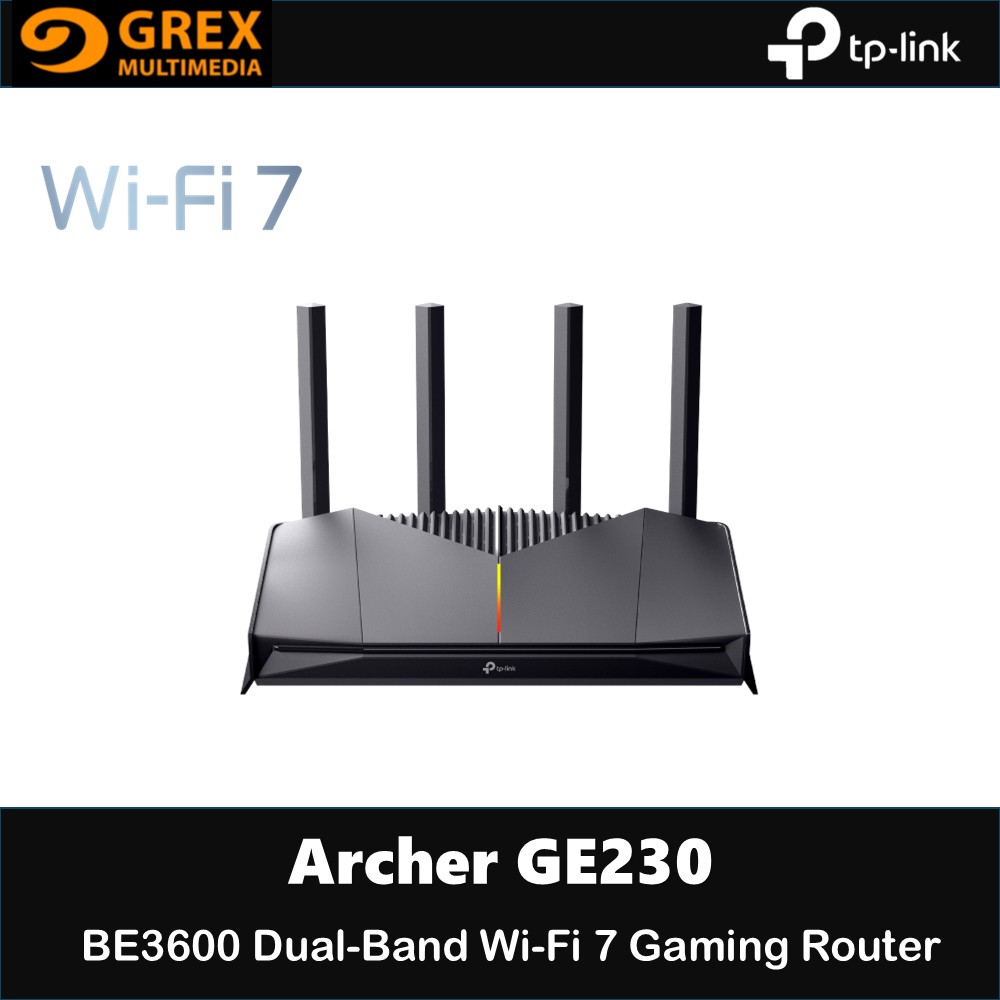
TP-LINK Archer GE230 BE3600 Dual-Band Wi-Fi 7 Gaming Router

MYR449.00

Brand: TP-LINK

  • Share

Get shipping estimates

Country
State
Shipping Method

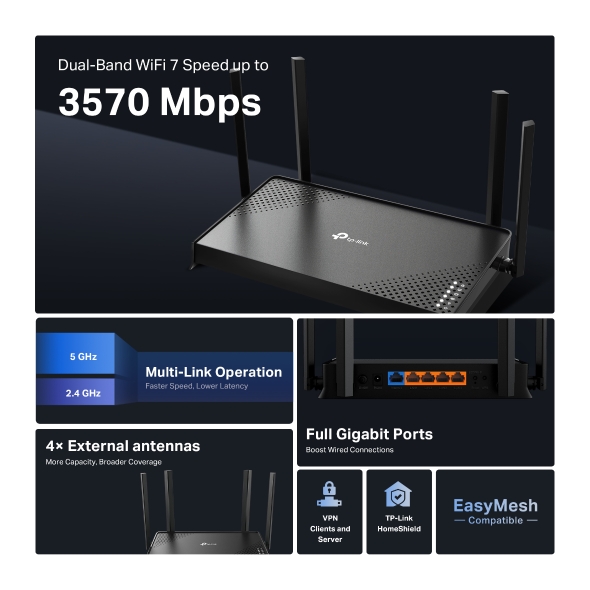
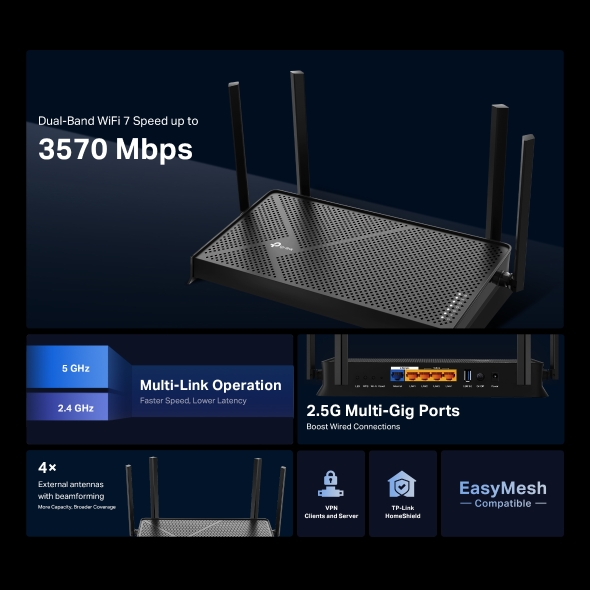
  • Lightning-Fast Gaming Wi-Fi up to 3600 Mbps: Delivers 2882 Mbps on the 5 GHz band and 688 Mbps on 2.4 GHz. With Wi-Fi 7 features like Multi-Link Operation (MLO) and 4K-QAM, enjoy seamless gameplay and unmatched speed.†‡
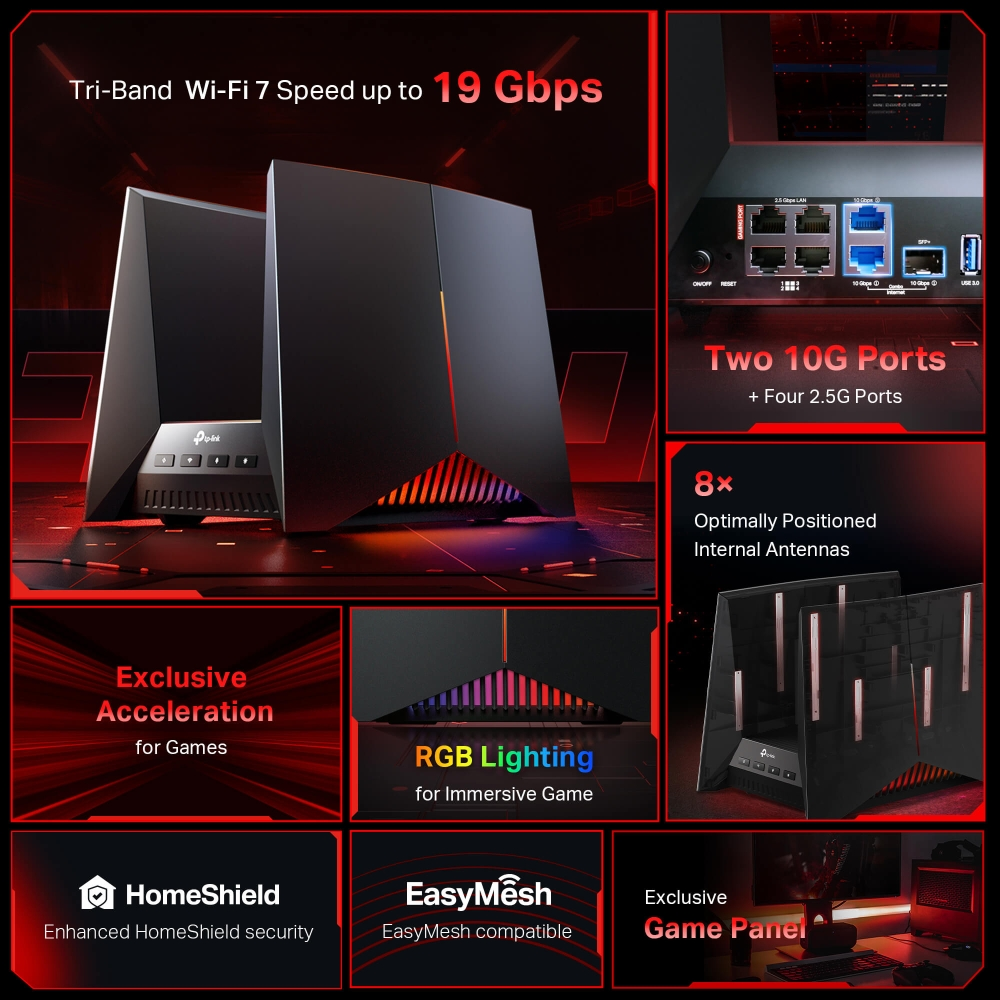
  • Two 2.5G Ports to Empower Your Games:  Go full throttle with two 2.5G LAN ports for up to 2.5× faster data-transfer speeds.§
  • Unstoppable Turbo Game Acceleration: Accelerate game applications, game devices, mobile games, and game servers. Stabilize connections, minimize jitter, lag, and ping while boosting speed.
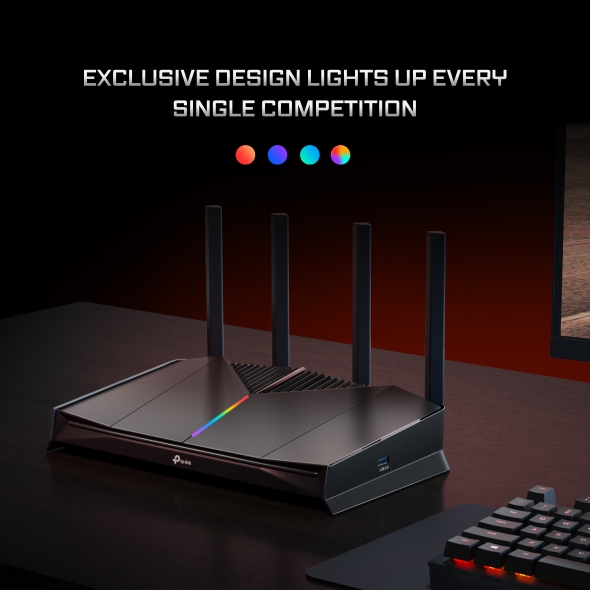
  • Race Car-Inspired Design: Archer GE230 fuels gaming passion with its sleek, race car-inspired look. Customizable RGB lighting adds a dynamic glow, making it a striking focal point in any gamer's setup.
  • Dedicated Game Panel: An intuitive game panel provides real-time insights into the game environment, including network status, router performance, RGB settings, accelerated games and gears, enabling players to strategize effectively.
  • EasyMesh Compatibility: Works with EasyMesh routers and range extenders to form seamless whole home Mesh Wi-Fi. This connectivity ensures consistent coverage, allowing gamers to collaborate efficiently and dominate multiplayer.*
  • TP-Link HomeShield: HomeShield offers robust antivirus protection for a secure gaming experience. It defends all your devices and personal data against online threats, ensuring peace of mind while gaming.**


WIRELESS

WiFi SpeedsBE3600
• 5 GHz: 2882 Mbps (802.11be)
• 2.4 GHz: 688 Mbps (802.11be)
WiFi Range3 Bedroom Houses
4× External Antennas
Multiple antennas form a signal-boosting array to cover more directions and large areas

Beamforming
Concentrates wireless signal strength towards clients to expand WiFi range
WiFi CapacityHigh
Dual-Band
Allocate devices to different bands for optimal performance

2×2 MU-MIMO
Simultaneously communicates with multiple MU-MIMO clients

OFDMA
Simultaneously communicates with multiple clients

Airtime Fairness
Improves network efficiency by limiting excessive occupation

DFS
Access an extra band to reduce congestion

4 Streams
Connect your devices to more bandwidth
Advanced Features• Multi-Link Operation (MLO)
• 4K-QAM
• Multi-RUs
• EasyMesh-Compatible
• Works with Alexa and Google Assistant
• IoT Network
Wireless Mode• Router Mode
• Access Point Mode

SECURITY

Network Security• SPI Firewall
• Access Control
• IP & MAC Binding
• Application Layer Gateway

• HomeShield Security
Real-Time IoT Protection
Malicious Site Blocker
Intrusion Prevention System
DDoS Attack Prevention
Home Network Scanner
Guest Network• 1× 5 GHz Guest Network
• 1× 2.4 GHz Guest Network
VPN Server• OpenVPN Server
• PPTP VPN Server
• L2TP VPN Server
• WireGuard VPN Server
VPN Client• Open VPN Client
• PPTP VPN Client
• L2TP VPN Client
• WireGuard VPN Client
WiFi Encryption• WPA
• WPA2
• WPA3
• WPA/WPA2-Enterprise (802.1x)

HARDWARE

Ethernet Ports• 1× 2.5 Gbps WAN
• 1× 2.5 Gbps LAN
• 3× 1 Gbps LAN
USB Support1× USB 3.0

• Supported Partition Formats:
NTFS, exFAT, HFS+, FAT32

• Supported Functions:
FTP Server
Media Server
Samba Server
Buttons• Power Button
• Wi-Fi/WPS Button
• LED Button
• Reset Button
Power12 V ⎓ 2 A

SOFTWARE

Protocol• IPv4
• IPv6
Game Center1. Game Acceleration:
• Accelerate Game Applications with QoS
• Accelerate Game Devices with Gaming Port
• Game Servers Acceleration by GPN

2. Game Panel:
• Network Status
• Router Performance
• RGB Settings
• Accelerated Games and Gears

3. Game Statistics:
Comprehensive Gaming Traffic Reports

4. Dedicated Gaming Band
5 GHz Gaming Band
Service KitHomeShield
Learn More>
EasyMeshCompatible with EasyMesh
Parental ControlsHomeShield Parental Controls
Custom Profiles
Professional Content Filter Library
Family Time
Bedtime
Off Time
Time Rewards
Family Online Time Ranking
Pause the Internet
Weekly and Monthly Reports
WAN Type• Dynamic IP
• Static IP
• PPPoE
• PPTP
• L2TP
Quality of ServiceQoS by Device
Cloud Service• Auto Firmware Upgrade
• TP-Link ID
• DDNS
NAT Forwarding• Port Forwarding
• Port Triggering
• DMZ
• UPnP
IPTV• IGMP Proxy
• IGMP Snooping
• Bridge
• Tag VLAN
DHCP• Address Reservation
• DHCP Client List
• Server
DDNS• TP-Link
• NO-IP
• DynDNS
Management Features• Tether App
• Webpage

OTHER

Network Services Enabled by DefaultWeb Server
Manage and configure device through web (HTTP/HTTPS)
• Port: 80/443   Protocol: TCP

DNS
DNS
• Port: 53   Protocol: TCP & UDP

DHCP Server
IP address assignment (DHCP)
• Port: 67   Protocol: UDP

App management
Manage and configure device through app
• Port: 20001   Protocol: TCP
• Port: 30001   Protocol: TCP
• Port: 20002   Protocol: UDP
System RequirementsInternet Explorer 11+, Firefox 12.0+, Chrome 20.0+, Safari 4.0+, or other JavaScript-enabled browser

Cable or DSL Modem (if needed)

Subscription with an internet service provider (for internet access)
CertificationsCE, FCC, RoHS
Environment• Operating Temperature: 0℃~40℃ (32℉ ~104℉)
• Operating Humidity: 10%~90% non-condensing


Question Answers

You are unable to use this feature

You must login or register to ask questions. We recommend reading questions before you make any purchases.